Use your mobile number for account verification
Did you know? Using your mobile number is a more secure option for multifactor authentication (MFA). Close to 60% of DRS customers have not yet added a mobile number for login verification. Access your online account to see whether you’ve added your MFA phone number.
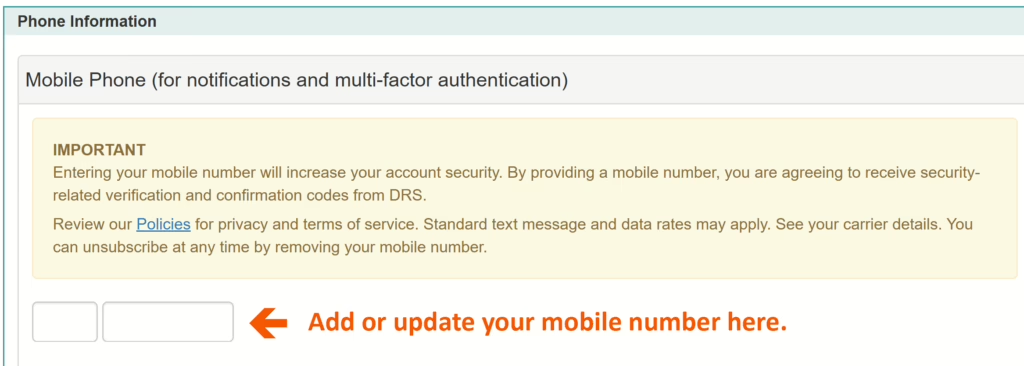
Note: Even if the primary phone number on your account is also your mobile number, you’ll still need to enter this number in the MFA section to enable the text verification.
How can I confirm I have my mobile added for account verification?
Check that you’ve added this number by visiting your main account information screen and locating the telephone number listed as “mobile.” To enable MFA using your phone, you must enter the mobile number into the mobile phone section. This is the section that gives DRS permission to text you for account verification.
Convenience: Logging into your account with mobile verification offers you on-the go convenience when you access your online account. Verify your account quickly and securely via text message.
What if I don’t have a mobile phone? We’ll soon offer the option to add a landline number as your MFA phone option.
Subscribe for more DRS news

In today’s climate of economic uncertainty and budgetary challenges, many public employees in Washington State are facing difficult decisions...

Our Retirement Specialists take calls from DRS customers who are often unaware they have retirement funds waiting for them in their accounts.

The 2025 Legislative session begins Jan. 13, 2025. We’re tracking retirement-related topics in the table below.